
Why this is worth trying
- House-wide intercom in one line: no running room to room, no shouting — pick the rooms, type a line, and every speaker says it at once.
- Doesn't kill your music: the broadcast takes over to speak, then puts back whatever was playing — content, volume and position — as if nothing happened.
- Works with no bridge, no cloud: most similar features need cloud TTS or a vendor subscription. ZoneFoundry runs the whole thing offline on a plain Wi-Fi network — almost nobody does bridge-free, offline broadcast like this.
Before you start
- ZoneFoundry installed on your iPhone, on the same Wi-Fi as the speakers
- At least one Sonos speaker that's been detected (no bridge and no Sonos subscription needed)
- If you'd like to dictate by voice, allow ZoneFoundry microphone access (not needed if you type)
Steps
Tap Broadcast on Home
Open ZoneFoundry and tap Broadcast on the Home screen. No cloud connection is needed here — your phone and speakers just have to be on the same Wi-Fi.
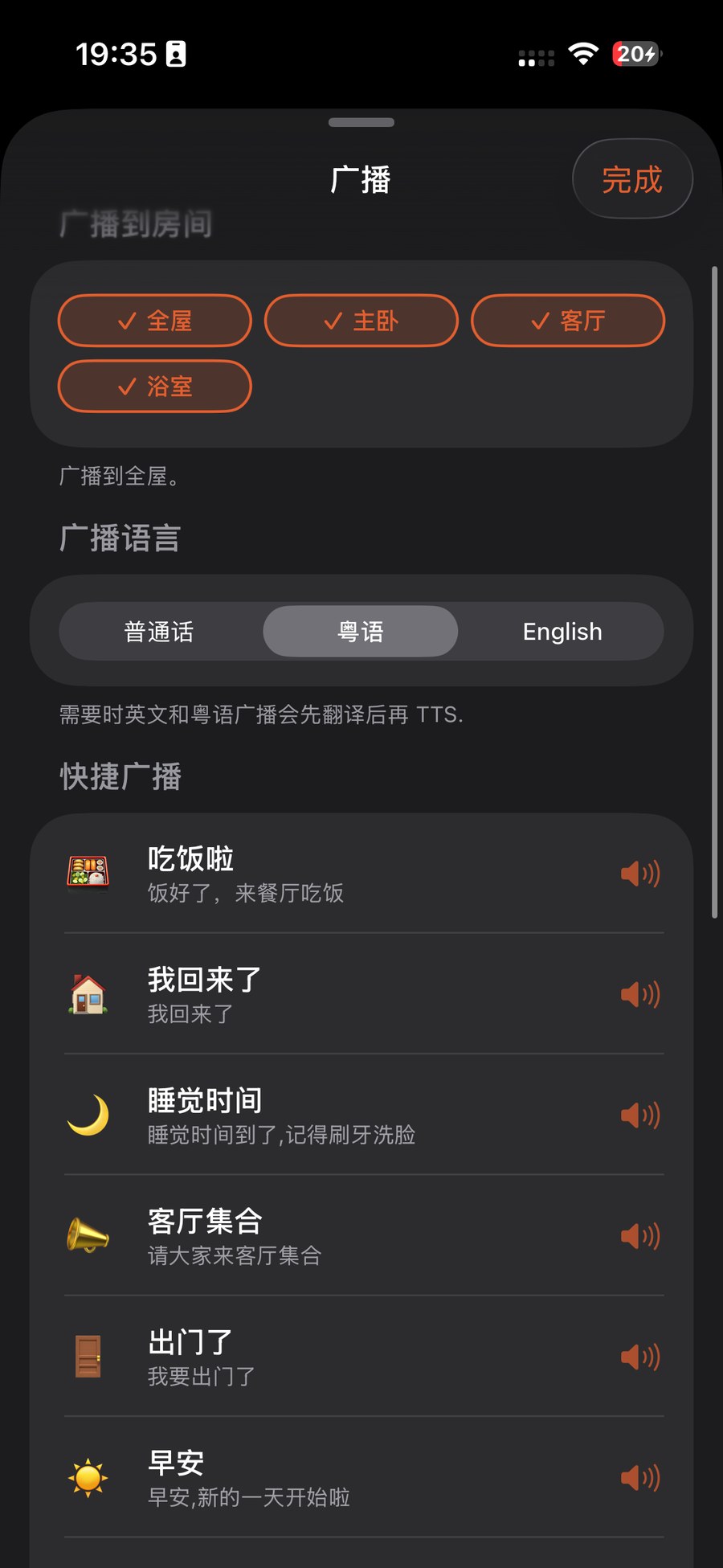
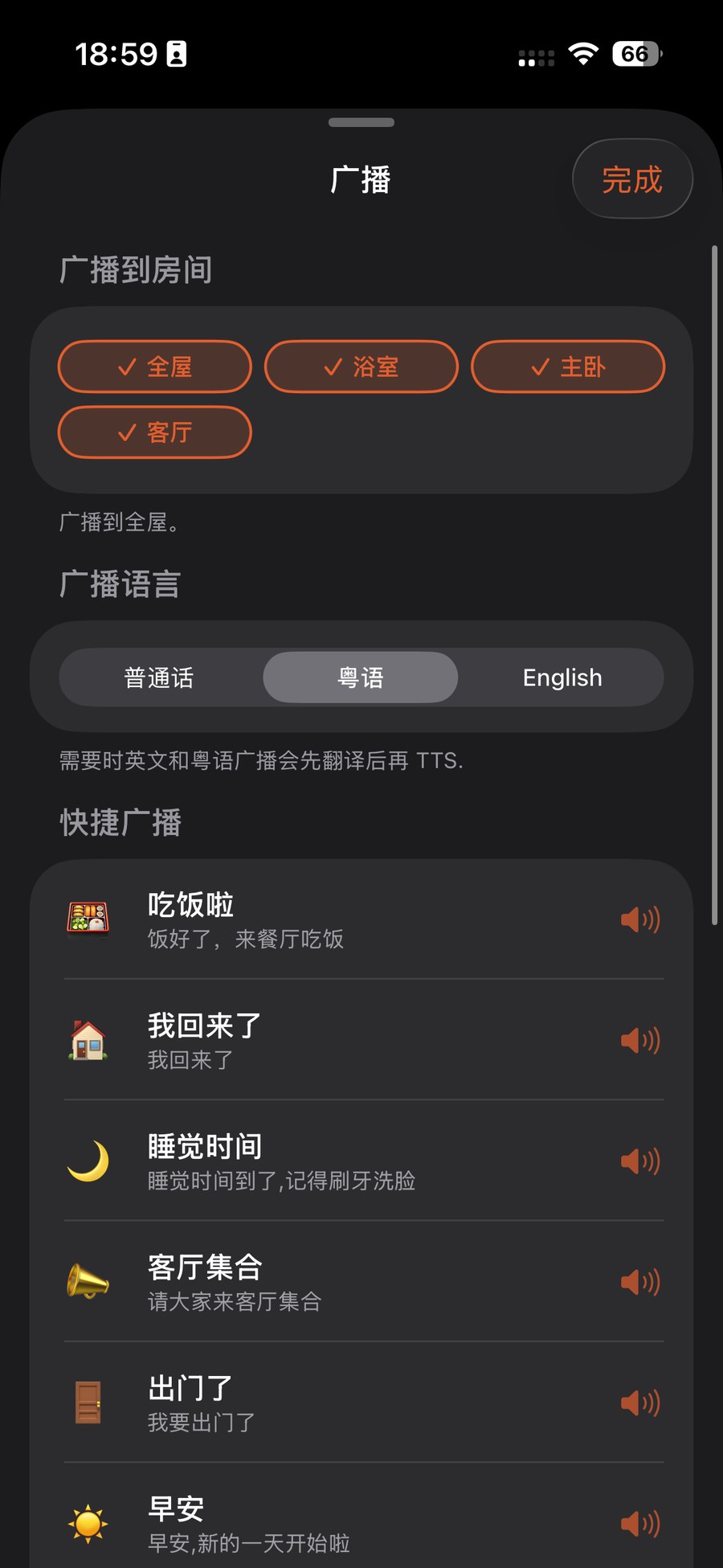
Pick rooms, then type or say a line
Tick the rooms you want to broadcast to — just one, or the whole house together. Then type your line, or tap the mic to dictate it, e.g. "Dinner's ready" or "Parcel's at the door".
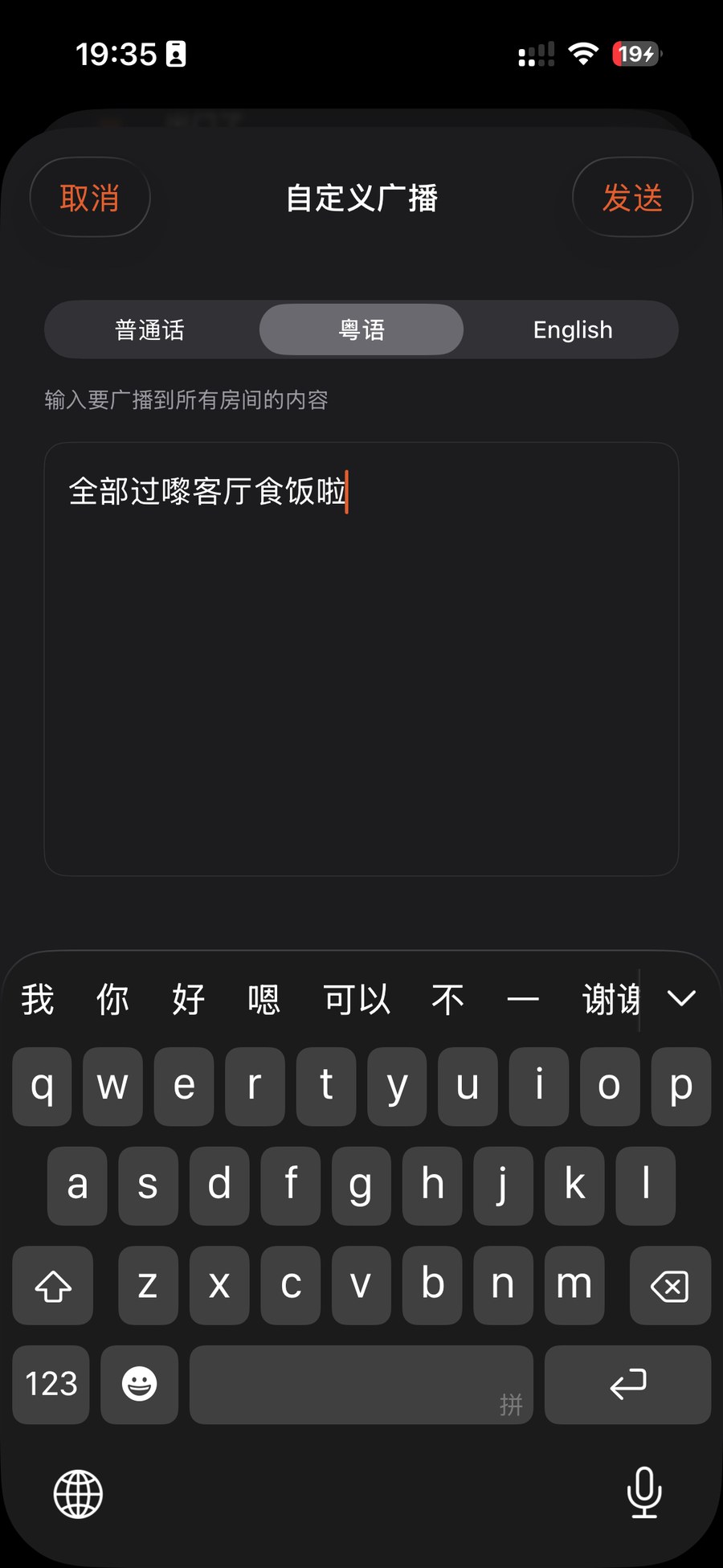
Send it and let it speak
Tap send. On a plain Wi-Fi network, ZoneFoundry synthesises the line into speech right on your phone and hosts it from there for the chosen speakers — never touching any cloud voice service. If music is playing, it gently steps aside for the announcement first.
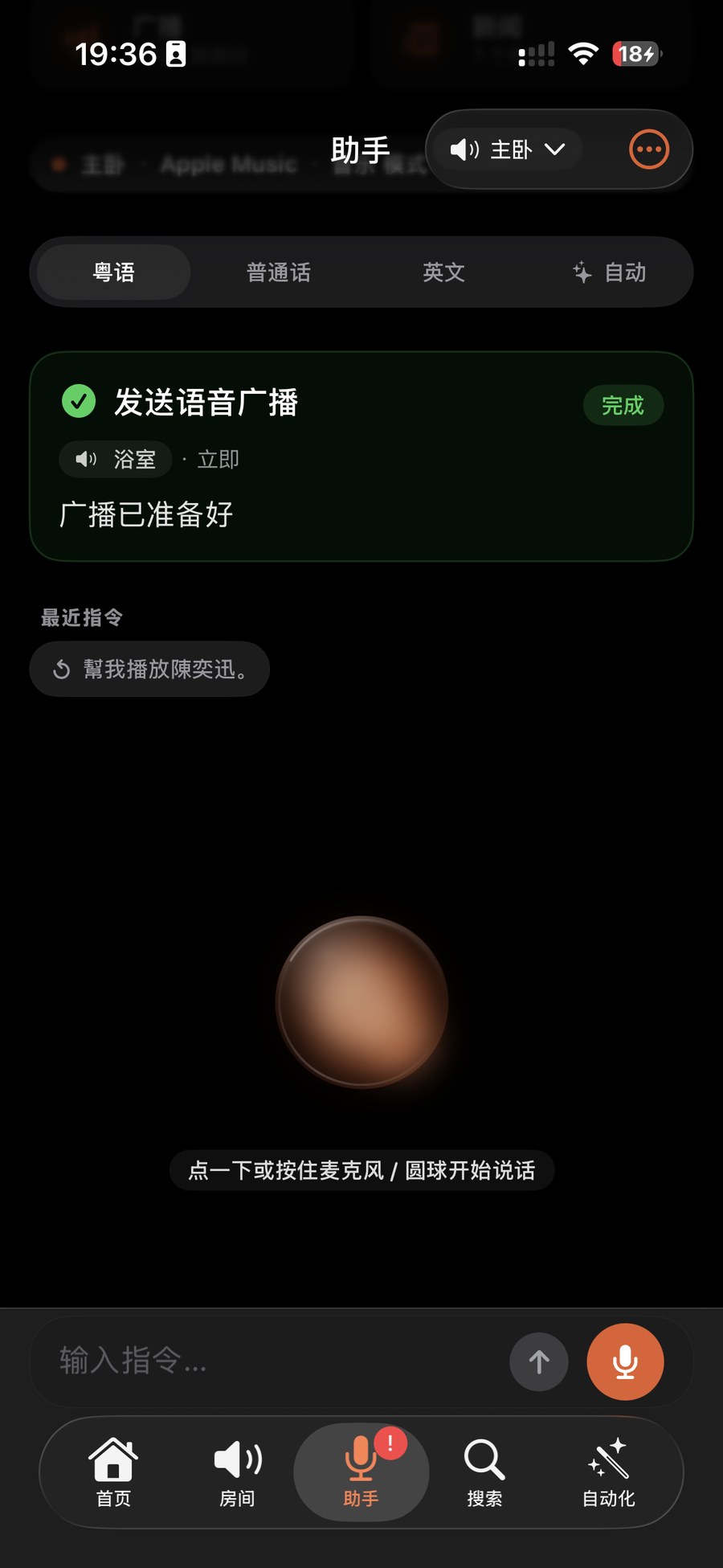
Tip: the synthesis and hosting all happen locally on your phone, so even if your home loses internet entirely, broadcast still works as long as the local Wi-Fi is up.
It finishes, the music comes back
Once the line finishes, you don't have to do anything. ZoneFoundry automatically restores the interrupted content, volume and position as best it can, putting the speakers back to how they were before. Rooms that weren't playing simply go quiet again.
No sound, or no restore? First check that your phone and the speaker are on the same Wi-Fi and that the speaker is detected in ZoneFoundry. If you were playing certain third-party streams, restore may start from the top rather than the exact position — that's usually because the source itself doesn't support resuming, not a broadcast fault.
A whole routine can collapse into one scene
Waking up, coming home, winding down — ZoneFoundry can bundle rooms, volume, music and announcements into one scene, triggered by a sentence or a button instead of rebuilt each time.