
Why do it in Apple Home
- Set once, always on: runs even when your iPhone is locked or the app is closed (handled by your Apple Home hub — HomePod / Apple TV).
- Any brand works: as long as the device is in Apple Home (native HomeKit, Matter, or bridged via Mi Home / Home Assistant), it can join the scene.
- Best of both: ZoneFoundry focuses on great multi-room Sonos audio; device automation is handled by Apple's mature Home engine.
Before you start
- iPhone (iOS 18 or later)
- At least one scene already created in ZoneFoundry
- Your lights / AC already added to the Apple Home app
Steps
Confirm your scene in ZoneFoundry
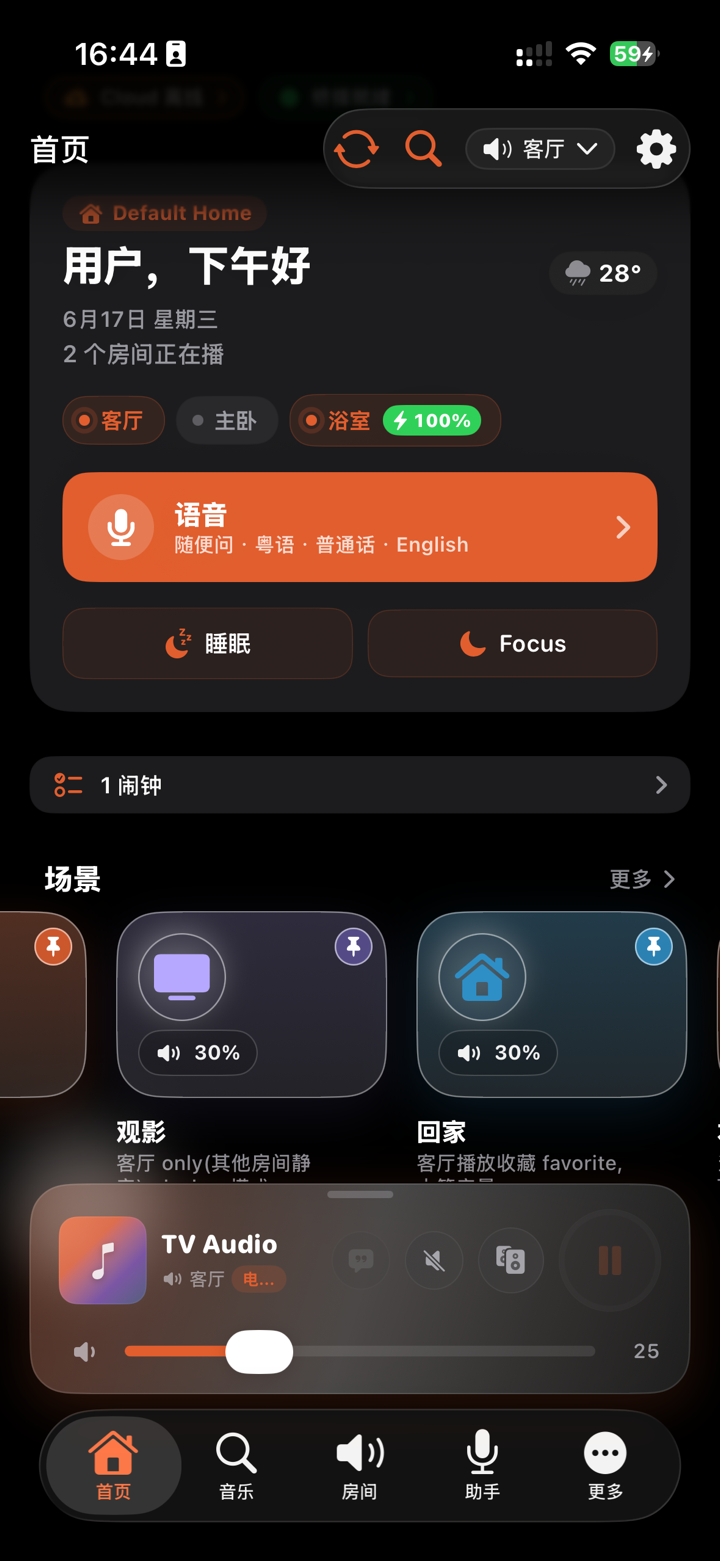
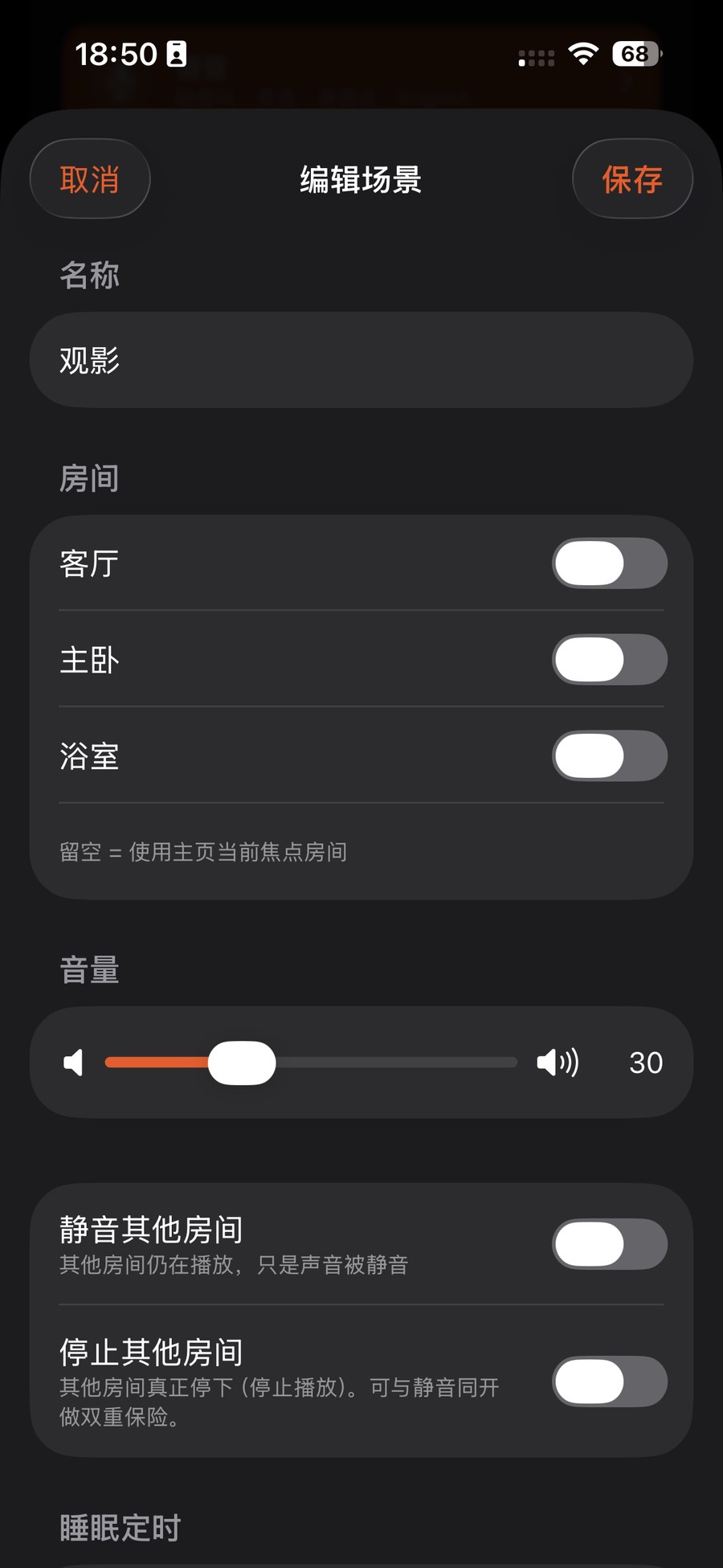
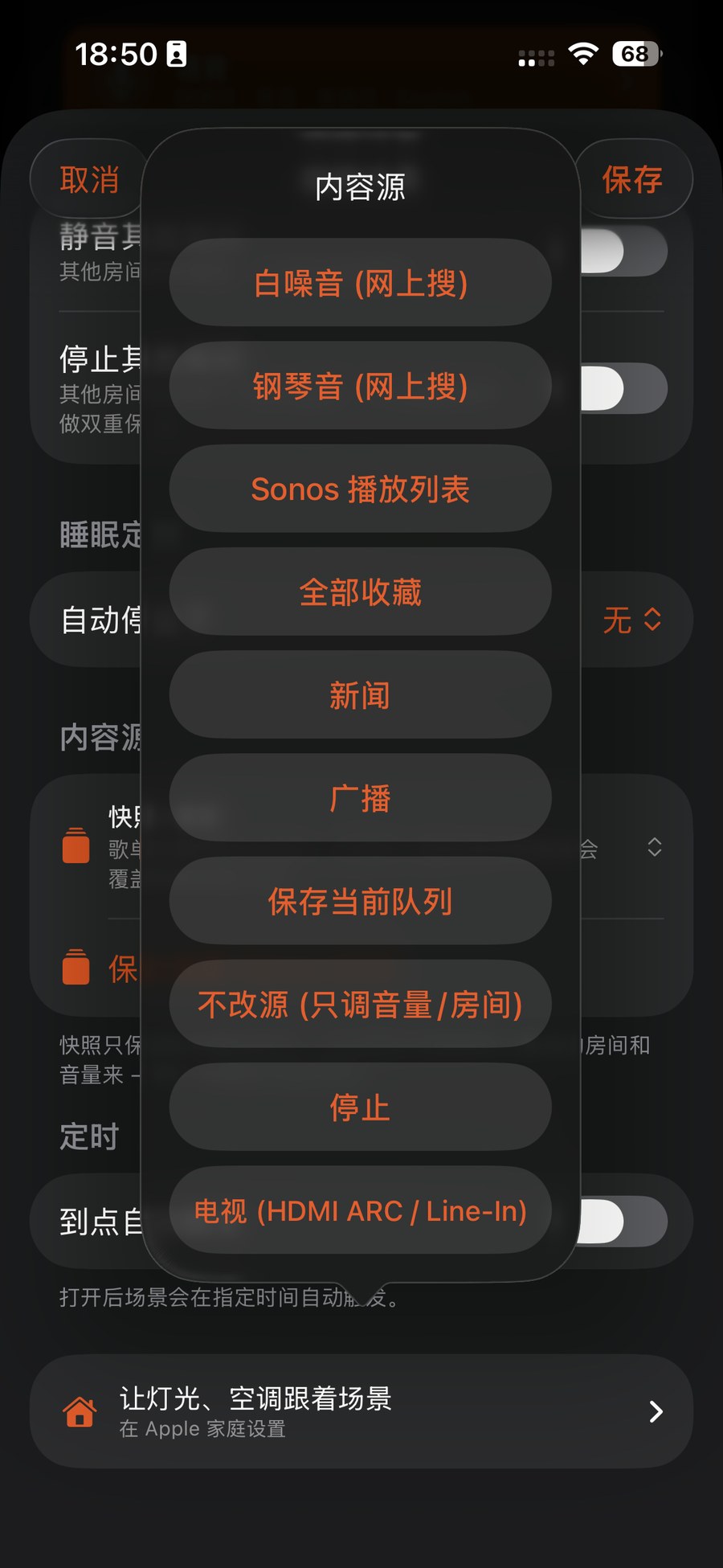
Open ZoneFoundry → Automations — Scenes sits right at the top — and confirm you have a scene (e.g. "Arrive home"). It appears automatically as a switch with that name in the Apple Home app.
Create a Home scene in the Home app
Open the Apple Home app → top-right "+" → "Add Scene" → "Custom" → name it (e.g. "Arrive home").
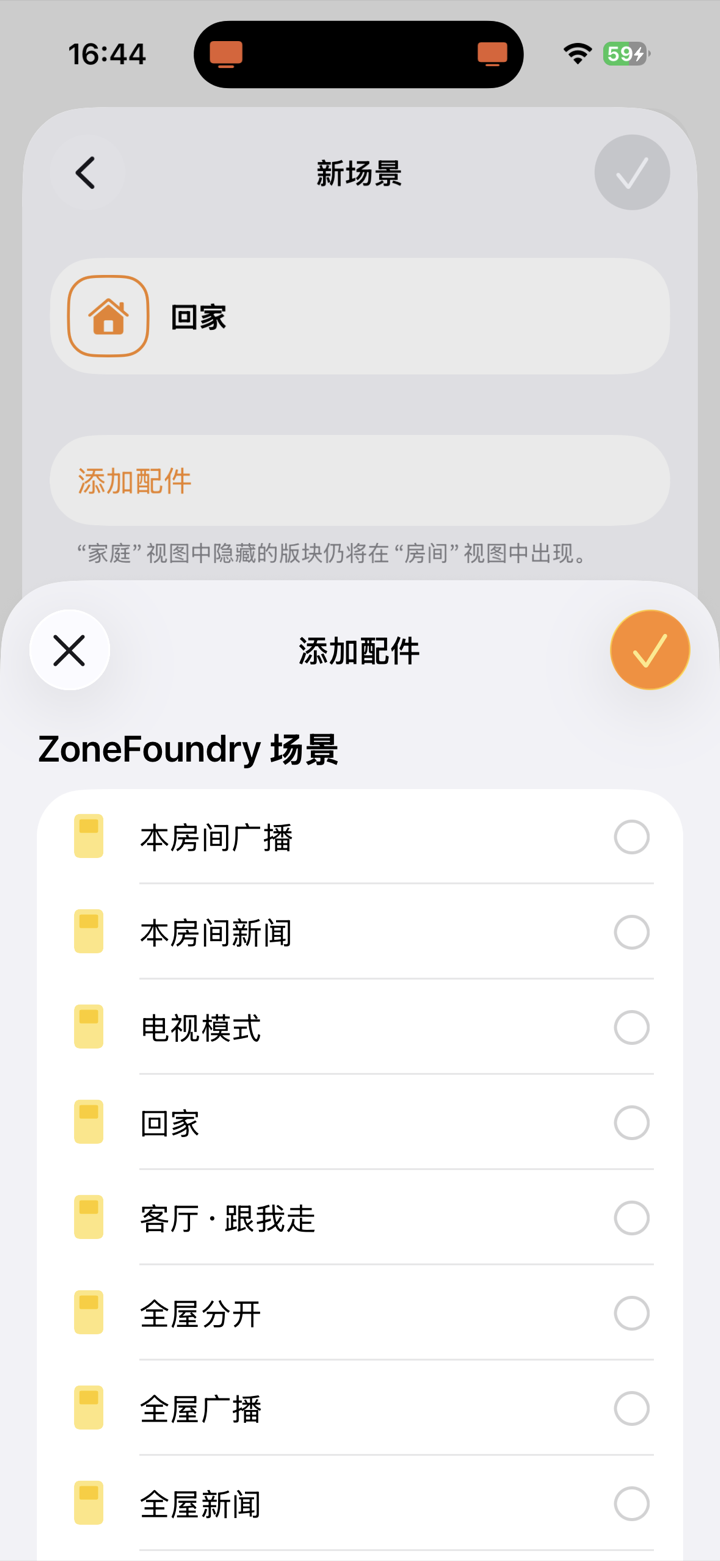
Add the ZoneFoundry scene + your devices
In "Add Accessories" select: ① your ZoneFoundry scene switch (set to On = play music), ② living-room light (On), ③ AC (On, set the temperature). Then save.
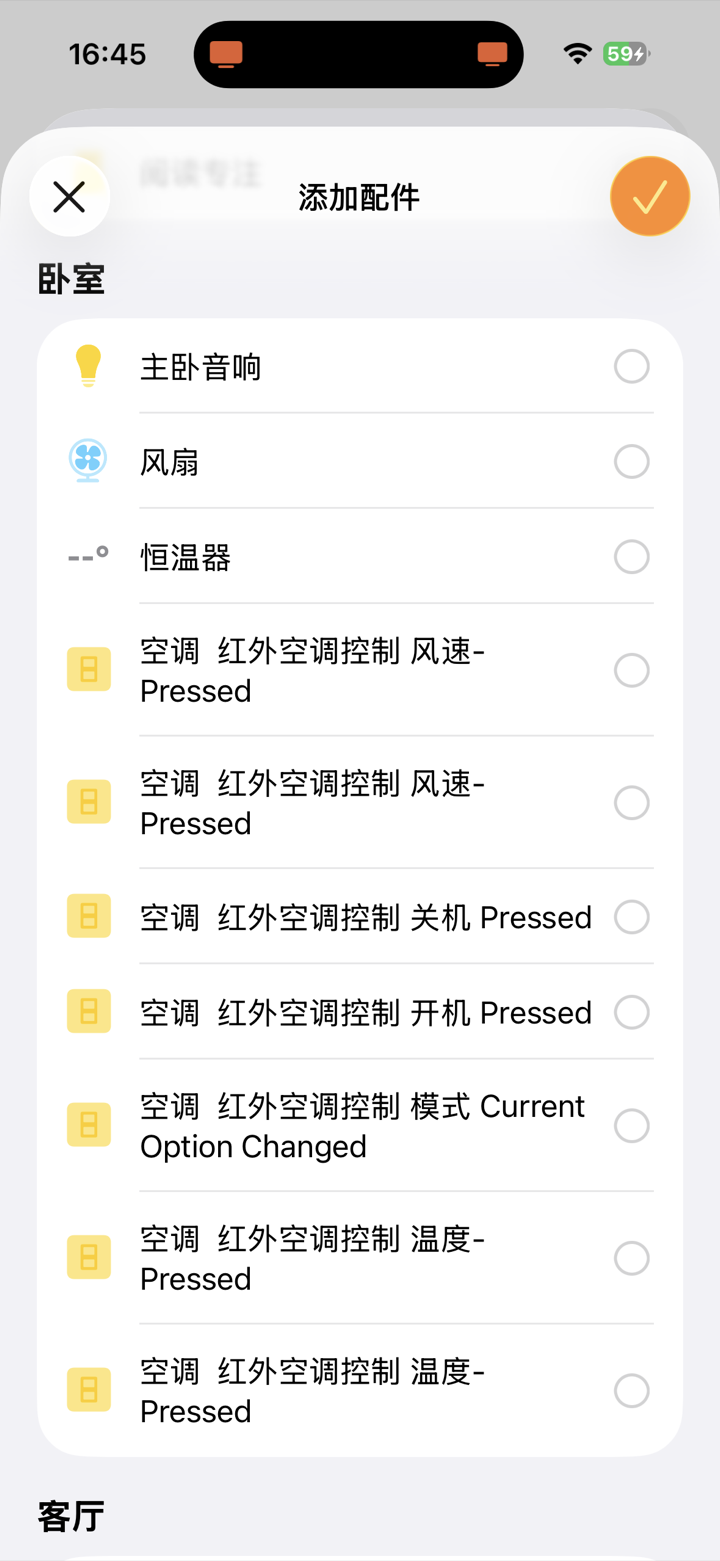
Tip: A ZoneFoundry scene is a switch in Home — turning it On fires the whole Sonos scene (rooms, volume and content exactly as set in ZoneFoundry).
(Optional) Make it automatic
Home app → Automation → Add Automation → pick a trigger (a sensor detects someone / a time of day / when you arrive home) → run the "Arrive home" scene you just made. Walk in and music, lights and AC all come on by themselves.
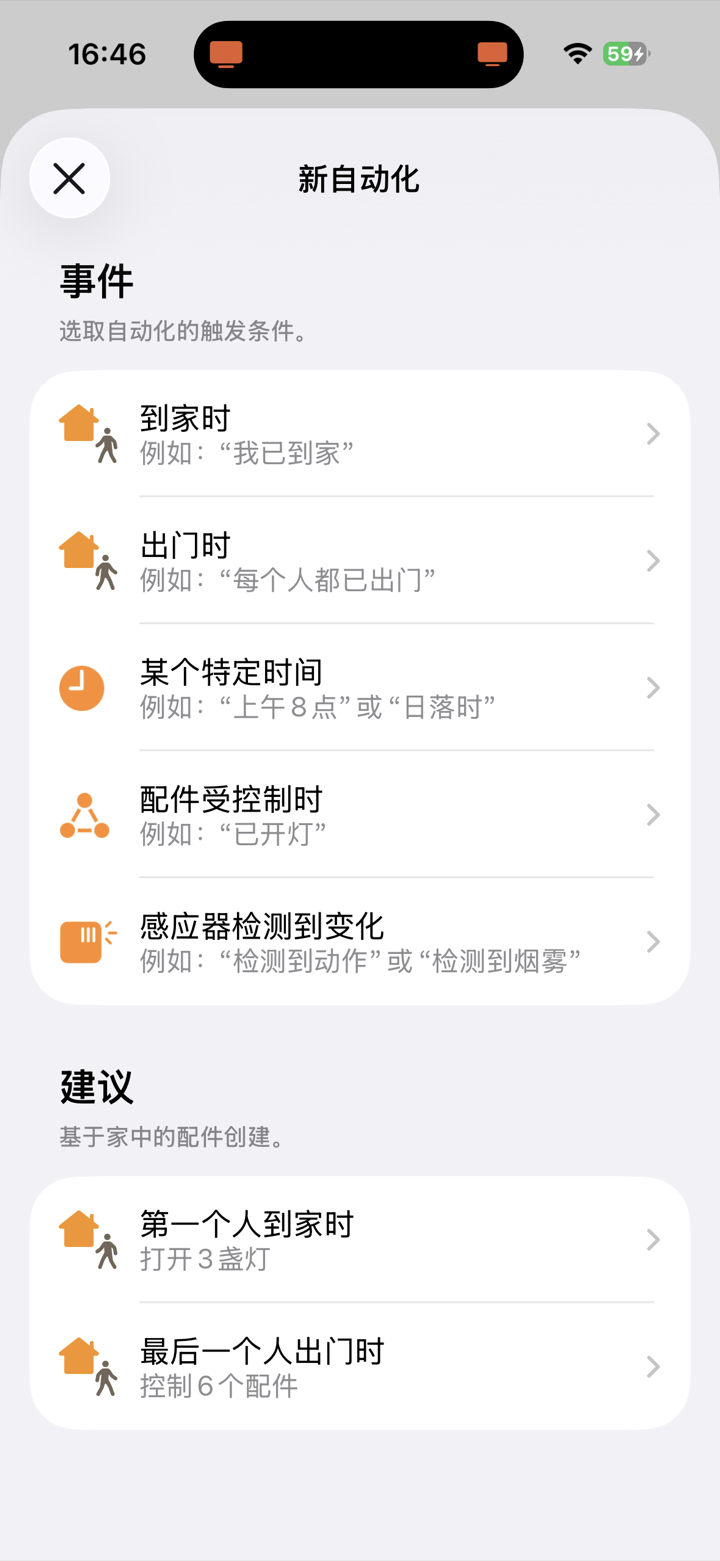
Device missing? Make sure it's actually in the Apple Home app (not only in Mi Home or another vendor app). Mi Home / Home Assistant devices must be bridged into Home first before ZoneFoundry and Home scenes can see them.
Lock screen, Apple Home and Shortcuts all connect
ZoneFoundry brings Sonos into Apple Home and Shortcuts, with full playback controls on the lock screen — no unlocking and opening an app just to change a track.