
Before you start
- Sonos speakers already set up with the official app and on your home Wi-Fi
- An iPhone or iPad with ZoneFoundry installed from the App Store
- Your Sonos account — the same one the official app uses (create one there if you don't have it)
Steps
Open the app and pick your language
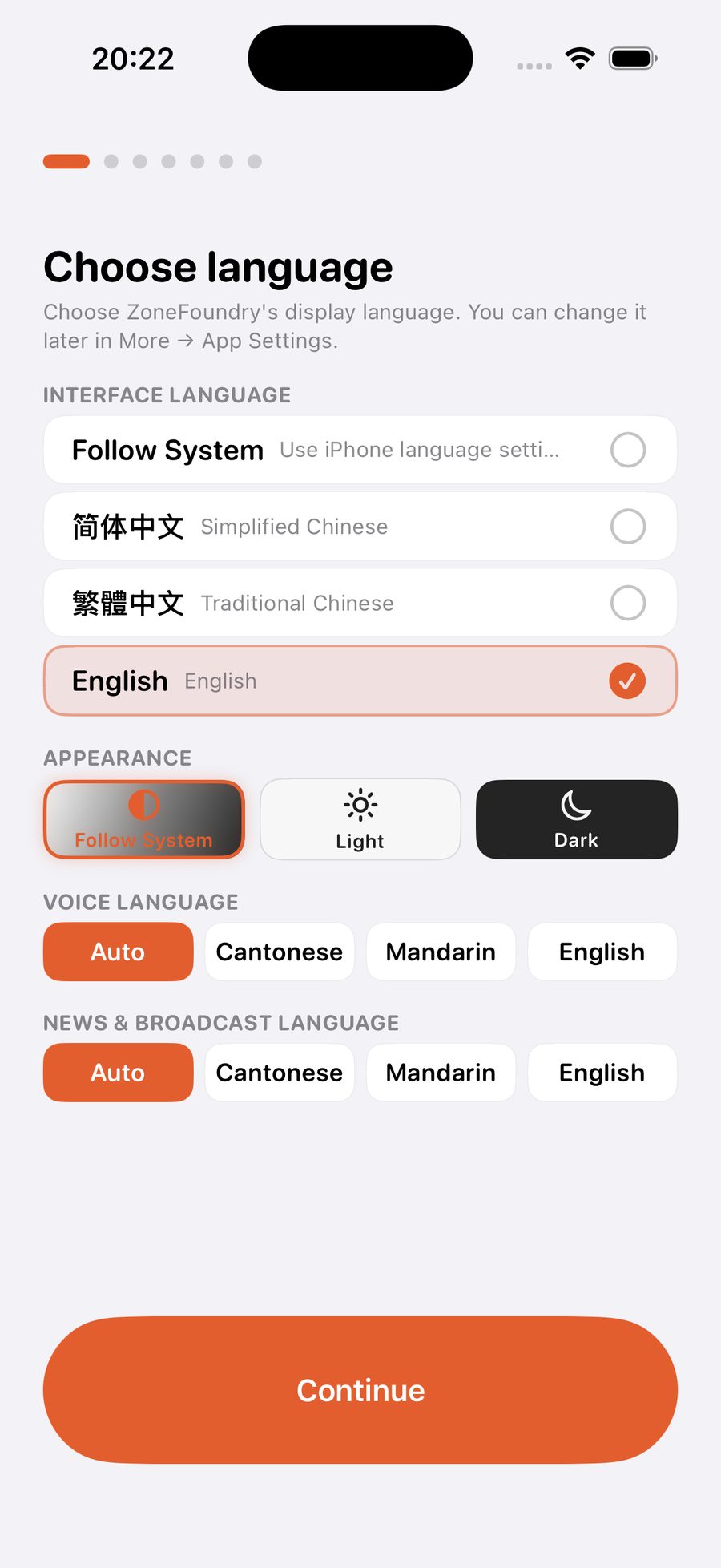
The first screen is all about language: interface language (Simplified / Traditional Chinese / English), light or dark look, which language you'll speak to the assistant (Cantonese / Mandarin / English) and which one news briefings use. Everything can be changed later in Settings — just go with your gut.
Permissions: "Local Network" is the one that matters
Next the app asks for a few permissions. The one that matters is Local Network — without it your speakers can't be found, so allow it. Microphone (for voice) and notifications can wait until you need them.
Sign in to Sonos — the step that unlocks everything
Tap "Connect Sonos" and the official Sonos sign-in page opens. Use the same account and password as the official app; after authorizing it jumps straight back. Once signed in, cloud music search, voice control, scenes and whole-home announcements are all unlocked — nothing else to install.
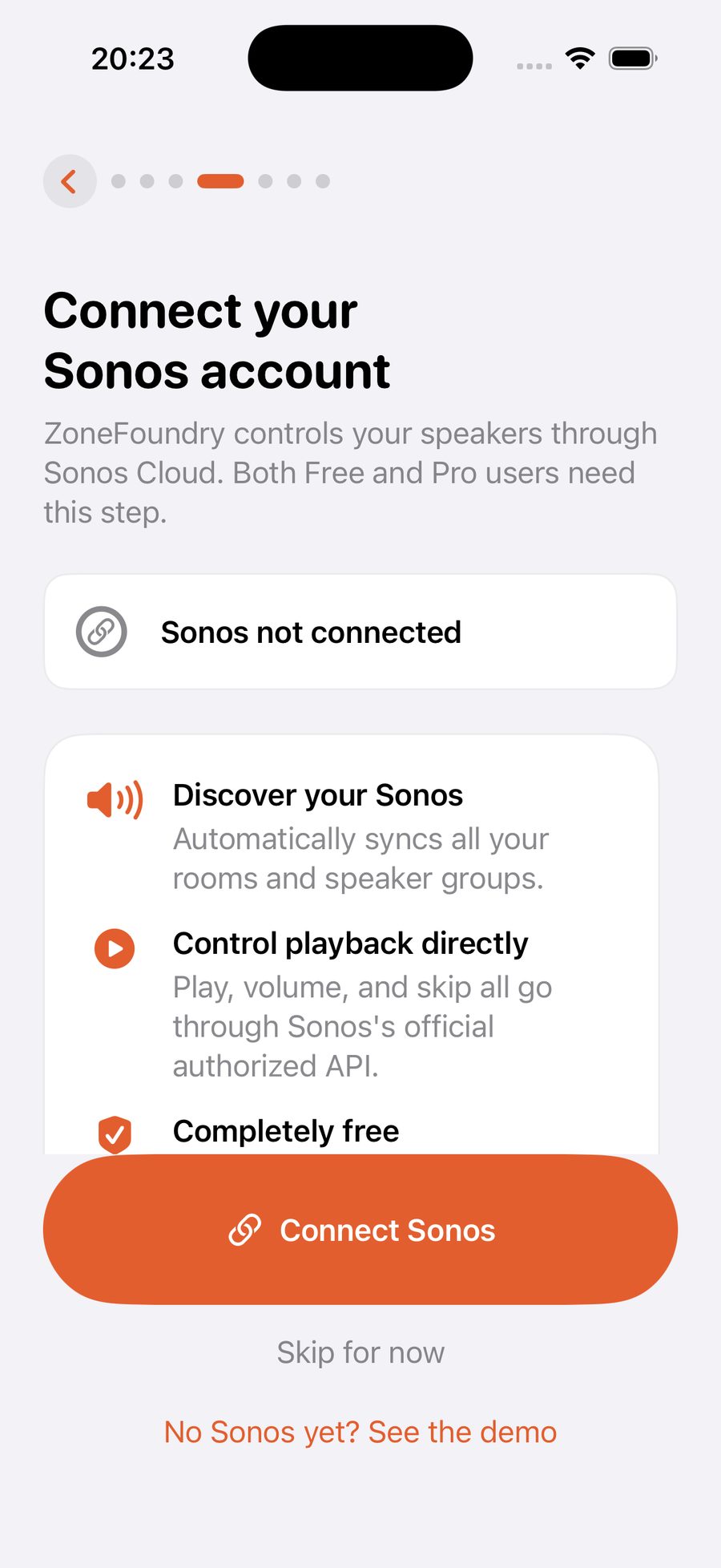
Not ready to sign in? Tap "Maybe later" and you're still in: playback, volume and grouping work on your Wi-Fi. Search, voice and scenes wait until you sign in — see Signing in to Sonos for details.
The remaining steps are all skippable
ZF account (for cross-device sync), music-service linking, bridge pairing, a voice test — every remaining step can be skipped and finished later in Settings. On a first run, skip ahead to the main screen and get music playing first.
Meet Home: your rooms live here
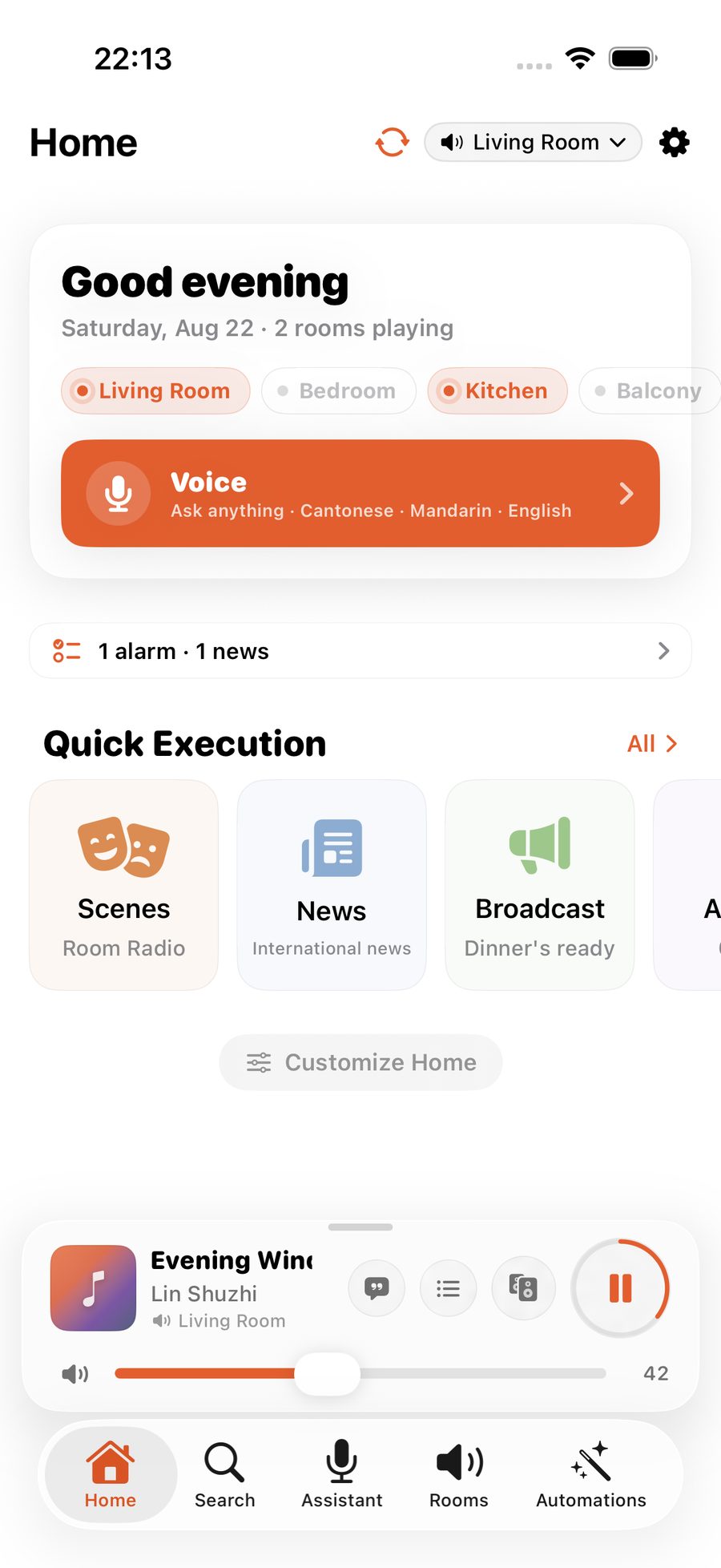
The first thing you see is Home: a greeting, each room's status, a mini player for whatever's on, then quick actions, play history, favorites and playlists. The five tabs along the bottom — Home, Search, Assistant, Rooms, Automations — are the whole map of the app.
Play your first song
Go to Search and type a song or artist — results come from your connected music services at once (Apple Music, Spotify and more). Tap to play in the current room; long-press for "play next" or "add to queue". Or open the Assistant and just say "play some jazz in the living room".
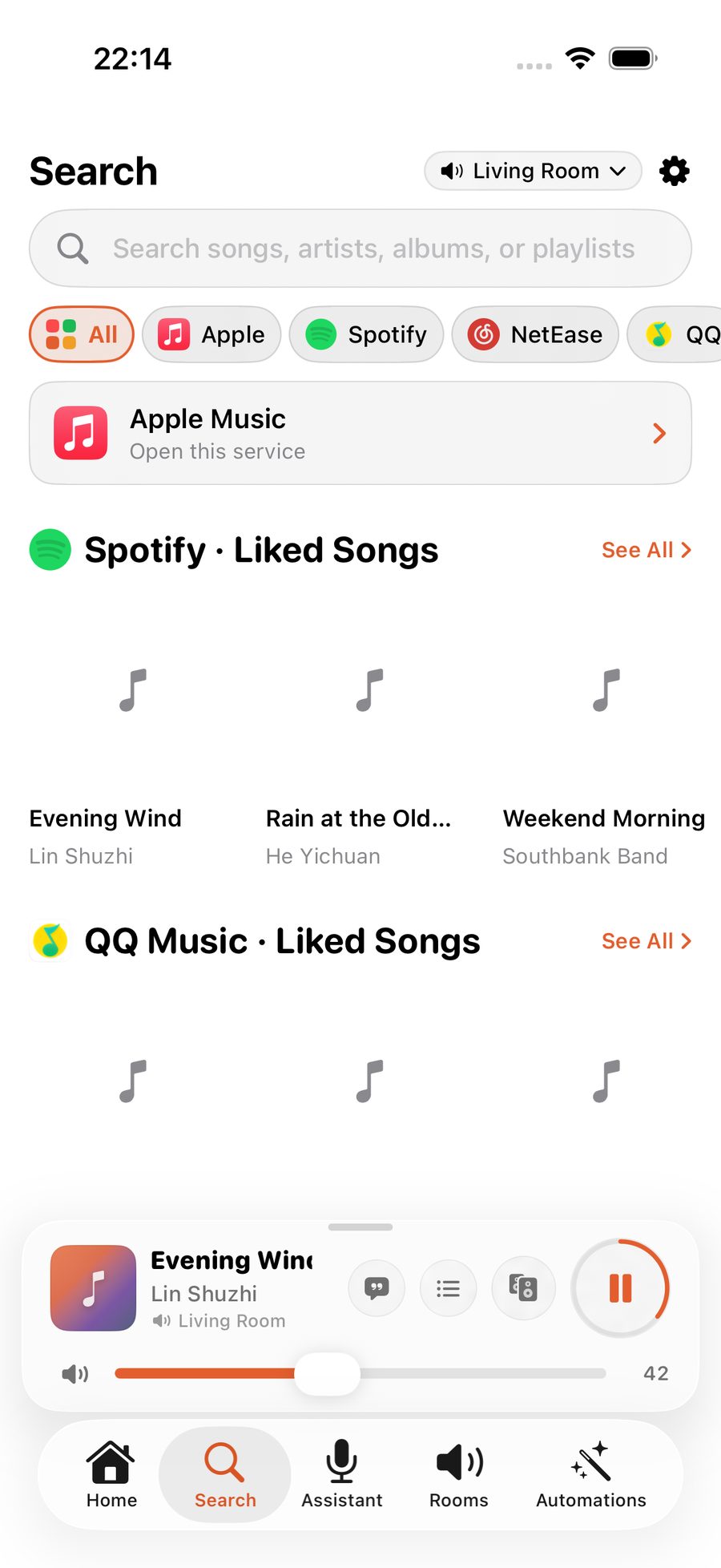
Search coming up empty? Your music services probably aren't linked yet. Go to Settings → Music and connect the ones you use (Spotify links once with a quick sign-in; Apple Music follows your Sonos account automatically) — see Linking your music services.
A whole routine can collapse into one scene
Waking up, coming home, winding down — ZoneFoundry can bundle rooms, volume, music and announcements into one scene, triggered by a sentence or a button instead of rebuilt each time.